
Free, Fast, and Accurate AAC to Text Conversion
Your audio is in the.AAC format—the modern standard for Apple iTunes, YouTube, and high-quality digital streaming. SoundWise.ai is optimized to transcribe AAC files, effortlessly and freely converting your streamlined audio into accurate, readable text with industry-leading speed and precision.
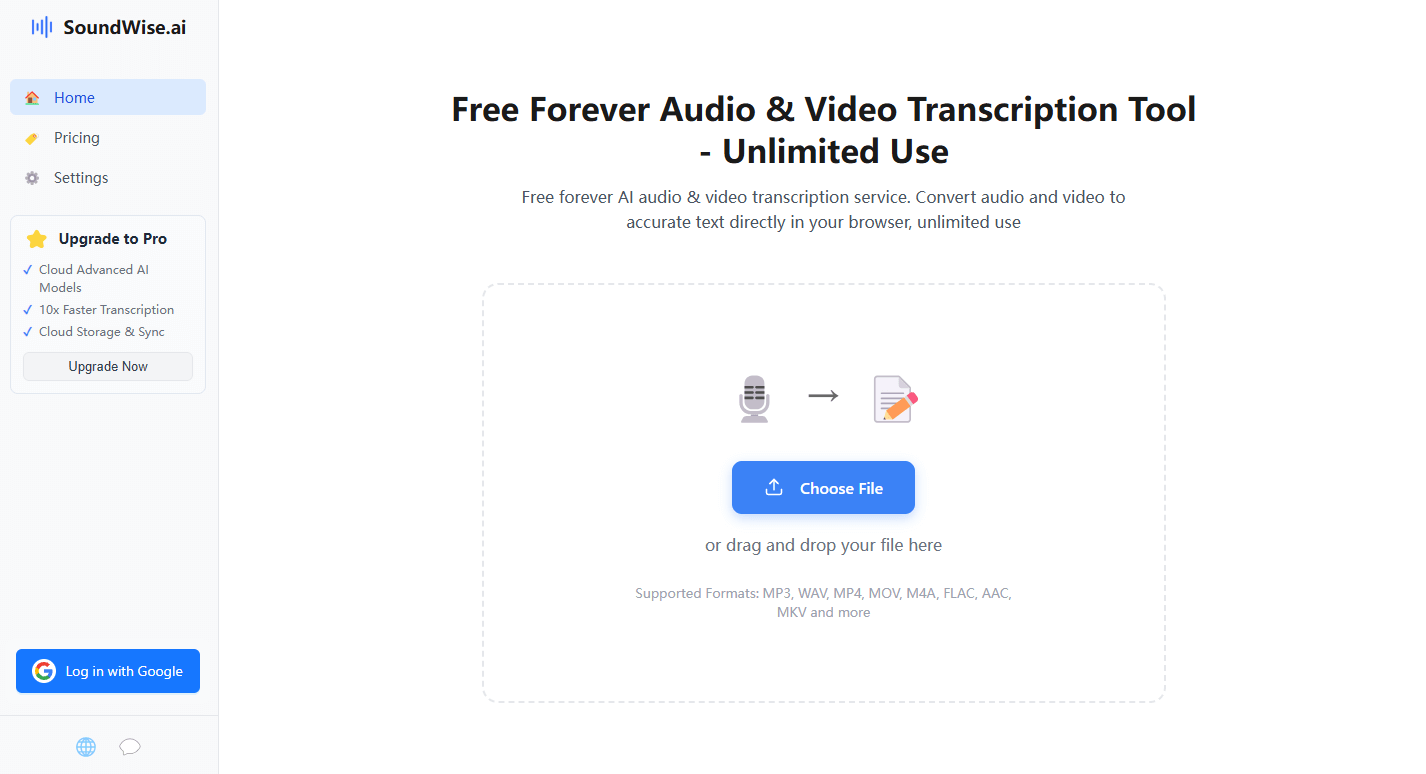
From Digital Audio to Text Document in 3 Steps
1. Upload Your AAC Audio File
Drag and drop your .aac file. Our converter is designed to handle audio from any digital source, from voice memos to streaming rips.
2. AI Performs High-Efficiency Transcription
SoundWise.ai’s AI analyzes your AAC audio, recognizing speech with up to 99.8% accuracy while identifying speakers and generating timestamps.
3. Download Your Clean Transcript
Export your text in multiple formats like TXT, PDF, or Clipboard. Your digital audio is now a versatile, easy-to-use document.
Perfect for Today's Digital Content Creators and Consumers
The AAC to text converter is the top choice for digital-first users. Podcasters use it to get fast transcripts from their AAC audio masters. Students at universities can easily convert AAC lecture recordings to text for their study guides. For digital media professionals, it’s the fastest way to get content from streaming broadcasts or YouTube audio into a written format for articles and archives.
Start Transcribing for FreeIn-Depth FAQ – Your AAC to Text Questions Answered
1. What is the best way to convert an AAC file to text in 2025?
The best method is to use a dedicated AI transcription tool that is optimized for modern audio codecs like AAC. Like SoundWise.ai, which leverages advanced AI to provide a more accurate and feature-rich transcript (with timestamps) than generic file converters, ensuring you get the most value from your audio.
2. My AAC file is from an Apple Music download or an iPhone Voice Memo. Will this work?
Yes. SoundWise.ai is fully compatible with the standard .aac and .m4a (which uses AAC audio) formats created by Apple devices and services. You can directly upload your audio files from iTunes, iPhone Voice Memos, or other Apple ecosystem products.
3. Is transcribing from an AAC file better or worse than from an MP3?
This is an excellent technical question. AAC is a more advanced codec than MP3, generally providing better audio quality at similar file sizes. While our AI transcribes both formats with very high accuracy, a high-quality AAC file can offer more audio detail, which may lead to a slightly more precise transcript in complex audio environments.
4. Can your tool handle the audio from an MP4 video, which is often in AAC format?
Absolutely. The audio track in most modern video files (like MP4) is encoded using AAC. You can upload the entire video file to our platform, and our tool will automatically extract and transcribe the AAC audio for you, saving you an extra step.