
The Private & Free YouTube Transcript Generator
Other YouTube transcript generators fail on private videos or have limits. For 100% privacy and unlimited use, convert YouTube to MP3 firstly, then upload it to SoundWise.ai for an instant, accurate, and completely private YouTube transcript.
From YouTube Video to Searchable Text in 3 Steps
1. Download Your YouTube Video or Audio
First, save the YouTube video you want to transcribe to your computer. You can download the full video (as MP4) or just the audio (as MP3) for faster processing.
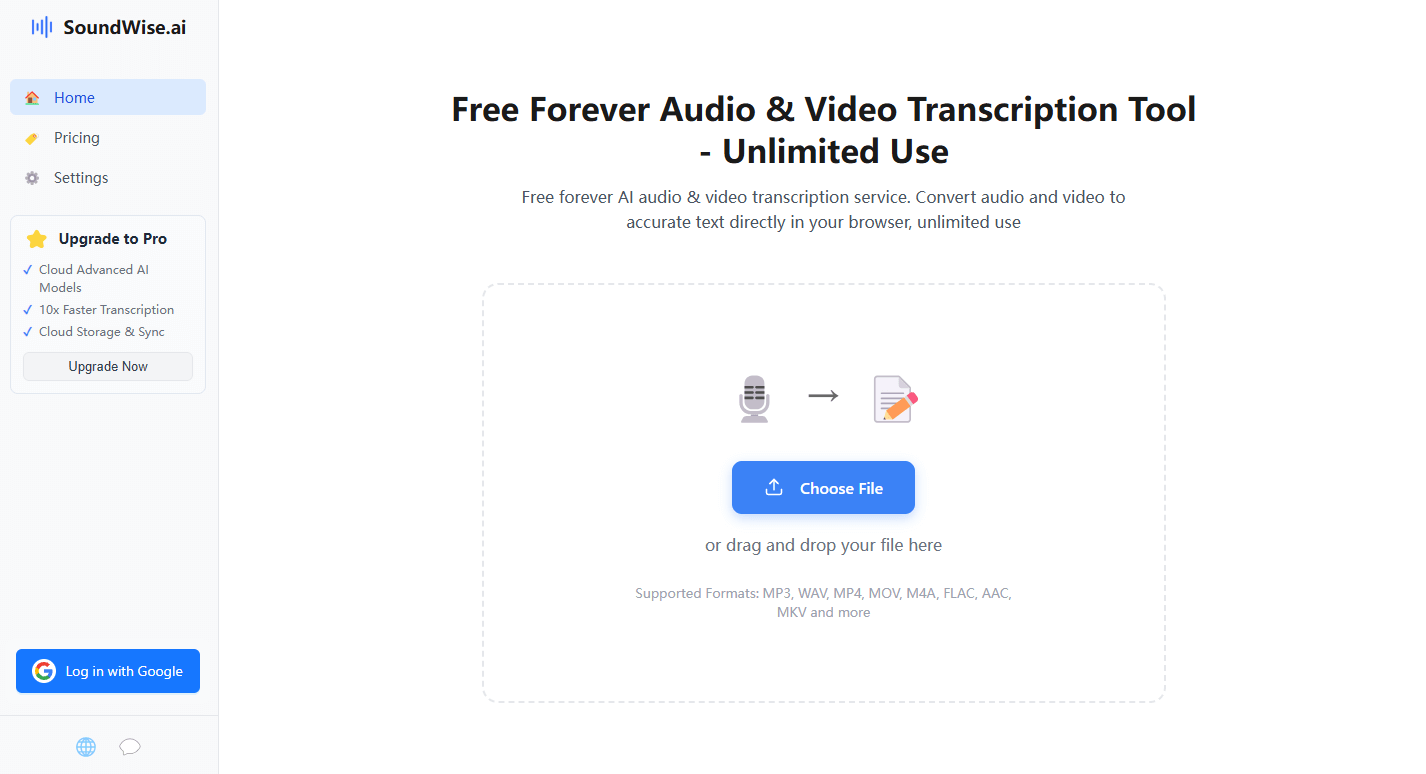
2. Upload the File Securely to SoundWise.ai
Drag and drop the downloaded video or audio file. Your file is never uploaded. All transcription happens locally on your machine, guaranteeing total privacy.
3. Get Your Instant, Editable Transcript
Instantly receive your YouTube transcript with timestamps. It's completely free and unlimited, so you can transcribe entire playlists without ever paying.
The Power Tool for Researchers, Creators, and Students
Our YouTube transcript generator is a workhorse. Researchers use it to analyze video content. Content creators get a base script for repurposing videos into blogs. Students use it to get searchable notes from educational channels. It's the private, cost-free way to get a transcript from a YouTube video.
Start Transcribing for FreeIn-Depth FAQ – Your YouTube Transcript Questions Answered
1. Why do I have to download the video first? Can't I just paste a link?
You should convert the YouTube to MP3 or MP4 files first. We ensure the YouTube transcript generation happens 100% locally on your computer. Your file is never sent to the cloud, making it the only truly private method. It also works on videos that URL tools can't access, like private or unlisted content you've downloaded.
2. What is the best way to download a YouTube video for transcription?
While we can't endorse specific third-party tools due to YouTube's terms of service, users often download their own uploaded content directly from their YouTube Studio. For public videos, people often use various 'YouTube to MP4' or 'YouTube to MP3' web tools. Using an MP3 file is often faster as the file size is smaller.
3. How does this compare to a workflow using a `YouTube to MP3 converter Turboscribe`?
This is a question of workflow and cost. A tool like `YouTube to MP3 converter Turboscribe` is a two-step cloud process: first, their tool fetches the audio, then their separate transcription service transcribes it (often with a free quota and paid plans). SoundWise.ai offers a private, one-step transcription (after you've downloaded the file) that is truly free, with no file caps.
4. How accurate is SoundWise YouTube transcript generator compared to YouTube's own auto-captions?
Our state-of-the-art AI often provides a significant accuracy upgrade over YouTube's default auto-captions, especially for videos with complex vocabulary, accents, or background noise. You will also get a much cleaner, properly formatted document with speaker labels and timestamps, which is far easier to read and edit than the raw caption file.