
The Free and Smart MKV to Text Converter for Complex Video Files
Your video is in a Matroska (.mkv) container for a reason—it's powerful and flexible, often holding multiple audio languages or a director's commentary track. Let SoundWise.ai freely transcribe MKV files, giving you the unique power to choose the exact audio track you need and convert it into accurate, readable text.
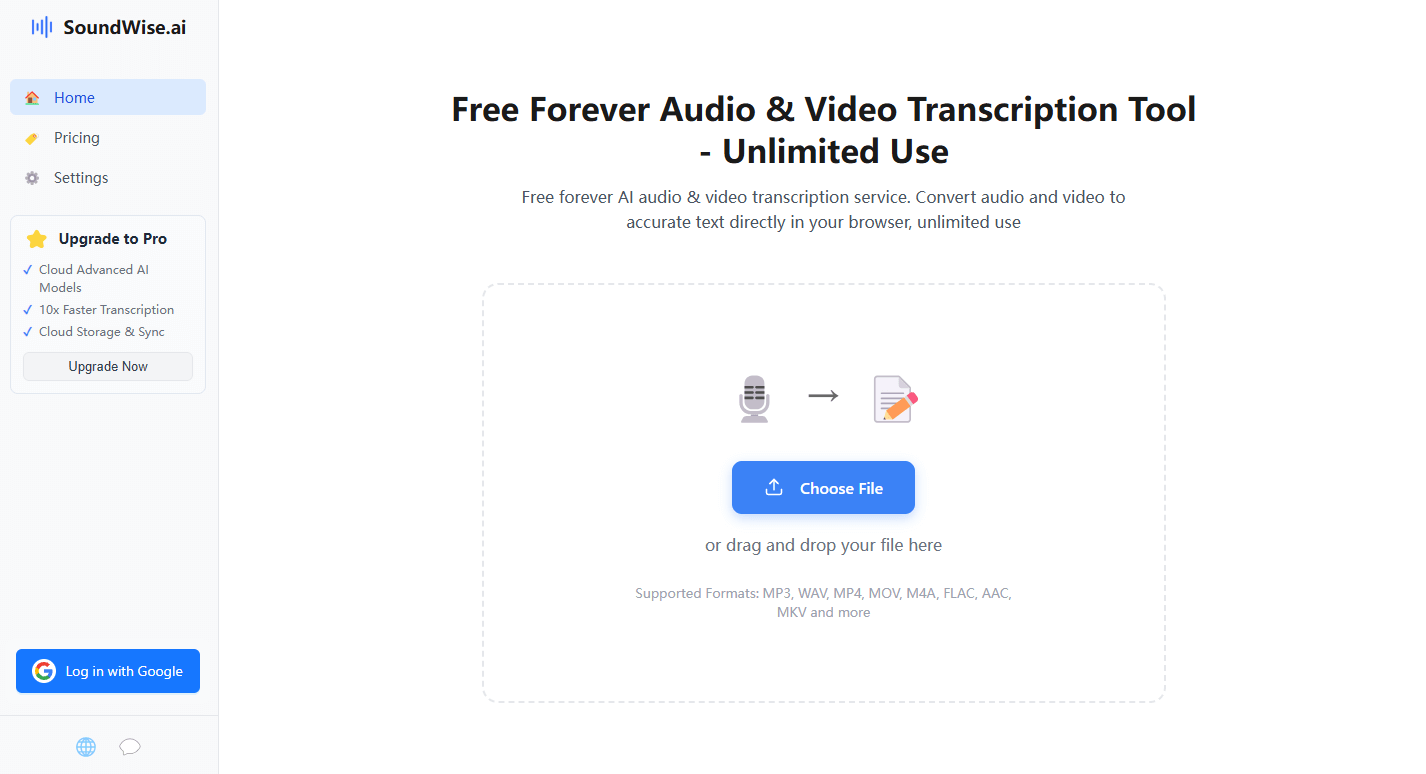
From Complex MKV to Clean Text in 3 Steps
1. Upload Your MKV Video File
Drag and drop your .mkv file. SoundWise.ai automatically detects the Matroska container and all its contents.
2. Select the Audio Track to Transcribe
This is what makes us different. It will display all available audio tracks (e.g., "English," "Spanish," "Commentary"). You simply select the one you want to convert to text.
3. Download Your Accurate Transcript
Get a professional, time-stamped transcript of your selected audio in TXT, PDF, or Clipboard formats.
The Ultimate Tool for Media Professionals and Enthusiasts
SoundWise.ai MKV to text converter is a vital resource for anyone working with high-quality or international media. Localization agencies use it to convert foreign film MKV to English text by selecting the appropriate language track for transcription. Media archivists can document both the main film audio and the director's commentary from the exact same file. For video game developers, it's the easiest way to extract and document dialogue from game cinematics stored as MKV files.
Start Transcribing for FreeIn-Depth FAQ – Your MKV to Text Questions Answered
1. My MKV file has multiple languages. How can I ensure the correct audio track is transcribed?
That is an excellent question, as the flexibility of MKV files is one of their greatest strengths. By default, our intelligent system is designed to identify and transcribe the primary audio track within the MKV container. In most standard files, this will be the main dialogue language. For users who need to guarantee that a specific secondary language or a commentary track is transcribed, we recommend a simple pro-tip: first, use a free video tool like VLC Media Player to export a version of the file containing only the audio track you need. Uploading that new, single-track file to our converter will ensure you get a perfect, highly accurate transcript of the exact audio you selected.
2. Can your tool extract existing subtitle tracks from an MKV file, in addition to transcribing audio?
Yes. We understand that MKV files often contain pre-made subtitle tracks. SoundWise.ai can detect embedded subtitle streams (like SRT or ASS formats) and allow you to extract them directly as a separate plain text file. This gives you two ways to get a written script from your file: AI transcription from audio, or direct extraction of existing subtitles.
3. What is the best tool to convert MKV to text in 2025?
The best tool is one that respects the complexity of the MKV container. A superior mkv to text converter should not only transcribe the audio but also give you the power to choose which audio track to process. This feature, combined with high accuracy and a secure, private environment, makes our tool the most intelligent and user-friendly choice available.
4. What happens if my MKV file has no dialogue, only music or sound effects?
SoundWise.ai is trained to recognize and transcribe human speech. If an audio track contains no spoken words, the resulting transcript will be empty or contain minimal text. The tool will not transcribe music or sound effects, ensuring a clean output focused solely on dialogue.